
New course: Honeytokens and Secure Logging
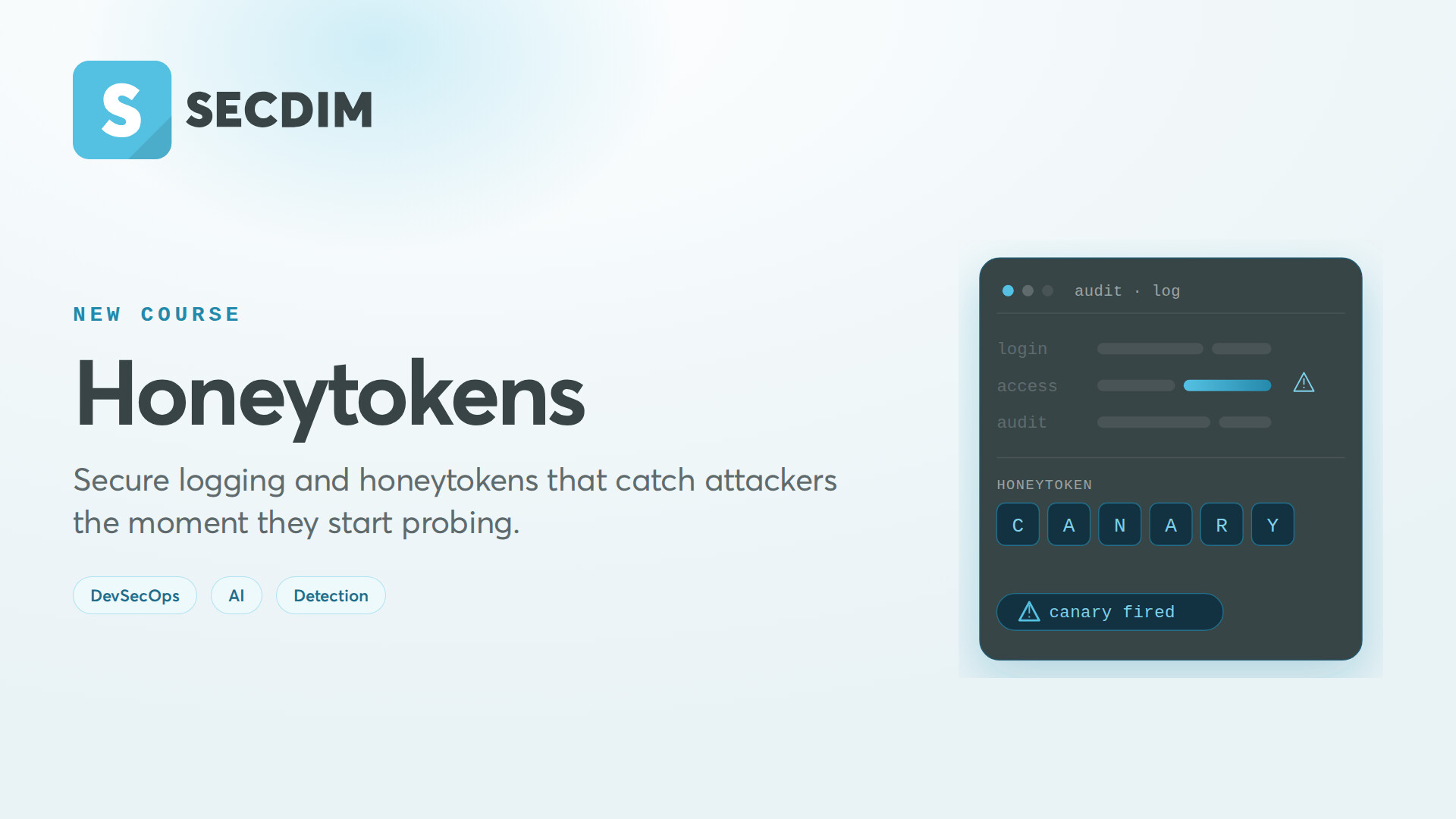
Application logs are the first place you look during a security incident. They are also one of the most common places sensitive data leaks out of an application. This course is about making your logs work for the defender on both counts.
Honeytokens and Secure Logging, now on SecDim Learn, teaches you to design logs that detect attacks instead of just recording them, to scrub sensitive data before it ever leaves the application, and to plant honeytokens that catch an attacker the moment they start probing.
You learn which events actually matter, how to structure them so they can be correlated, and how to read them for the signatures of credential stuffing, account enumeration, IDOR probing, and bulk data exfiltration. On the exposure side, you build a scrubbing filter that redacts credentials and PII before they hit disk, then test that the redaction holds.
Then there are the honeytokens: application-level and cloud-credential canaries that do nothing except sit there until someone who should not be looking trips over them. The course covers them in AI applications specifically, where the attack surface is new. A canary word planted in an LLM system prompt reveals prompt extraction. A decoy secret in RAG context reveals injection-driven exfiltration. A decoy MCP tool reveals an agent doing reconnaissance it was never meant to do.
It is aimed at developers and runs from what to log through to tamper-evident audit trails that satisfy PCI-DSS and SOC 2. The labs are hands-on.
Topics covered include:
- What to log, and what must never reach a log
- Structured logging built for detection and correlation
- Log signals for credential stuffing, enumeration, IDOR probing, and exfiltration
- Masking and scrubbing sensitive data before it leaves the app
- Honeytokens in application and cloud-credential form
- Honeytokens for AI apps: canary words, decoy RAG secrets, decoy MCP tools
- Append-only audit trails for privileged operations
If your application can be attacked, its logs should be the thing that tells you first.
 Check it out on SecDim Learn: Learn - SecDim